
Get the Android app — free install
Job alerts on your phone. Not on Play Store — we show you how to allow unknown apps.
Android app · free sideload

No Fee Jobs for Android
v1.0.2 · About 60 MB · August 2026
Install the official app, get job alerts on your phone, and browse openings with zero placement fees. Not on Play Store yet — we walk you through allowing unknown apps safely.
File: nofee-jobs.apk · hosted on nofeejobs.com · iOS coming later
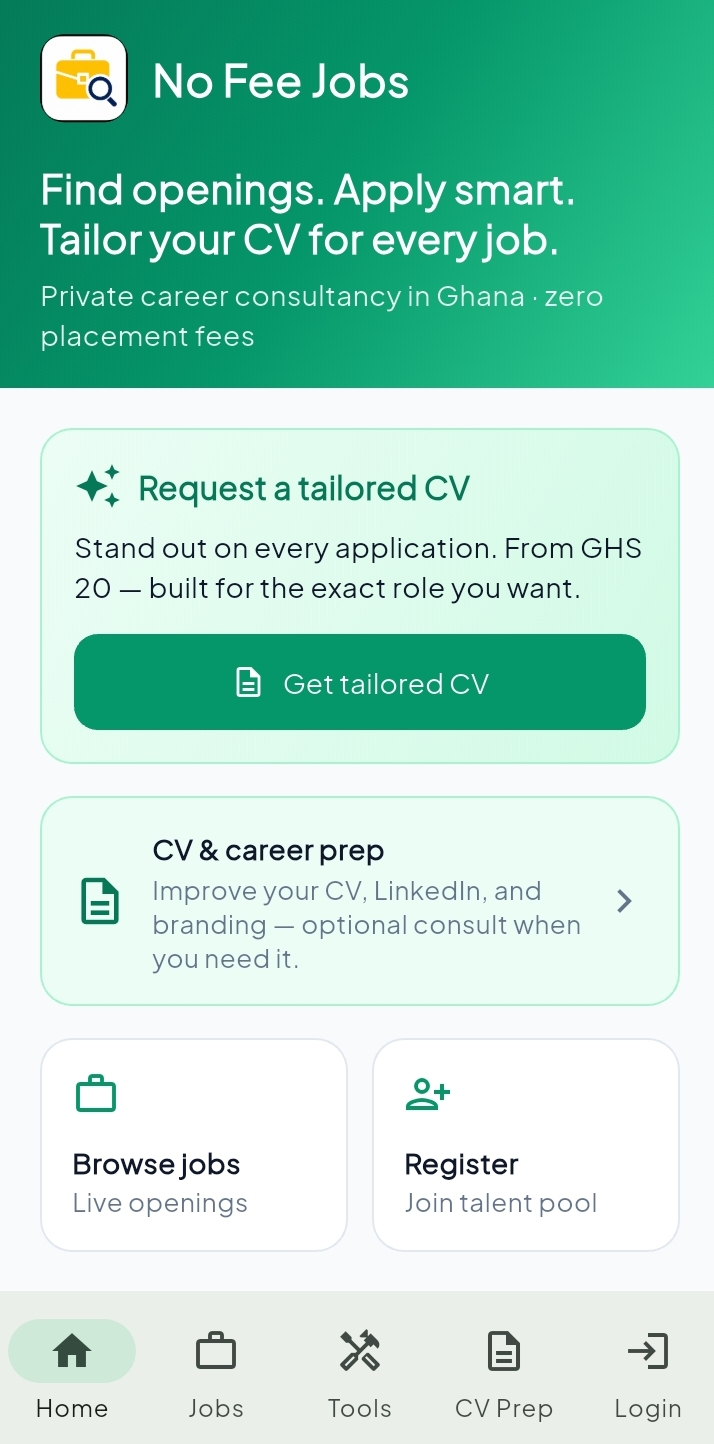
Home
Your job search hub
See the app
Real screens from No Fee Jobs — jobs, tools, CV prep, and account.
Home
Browse openings & career support
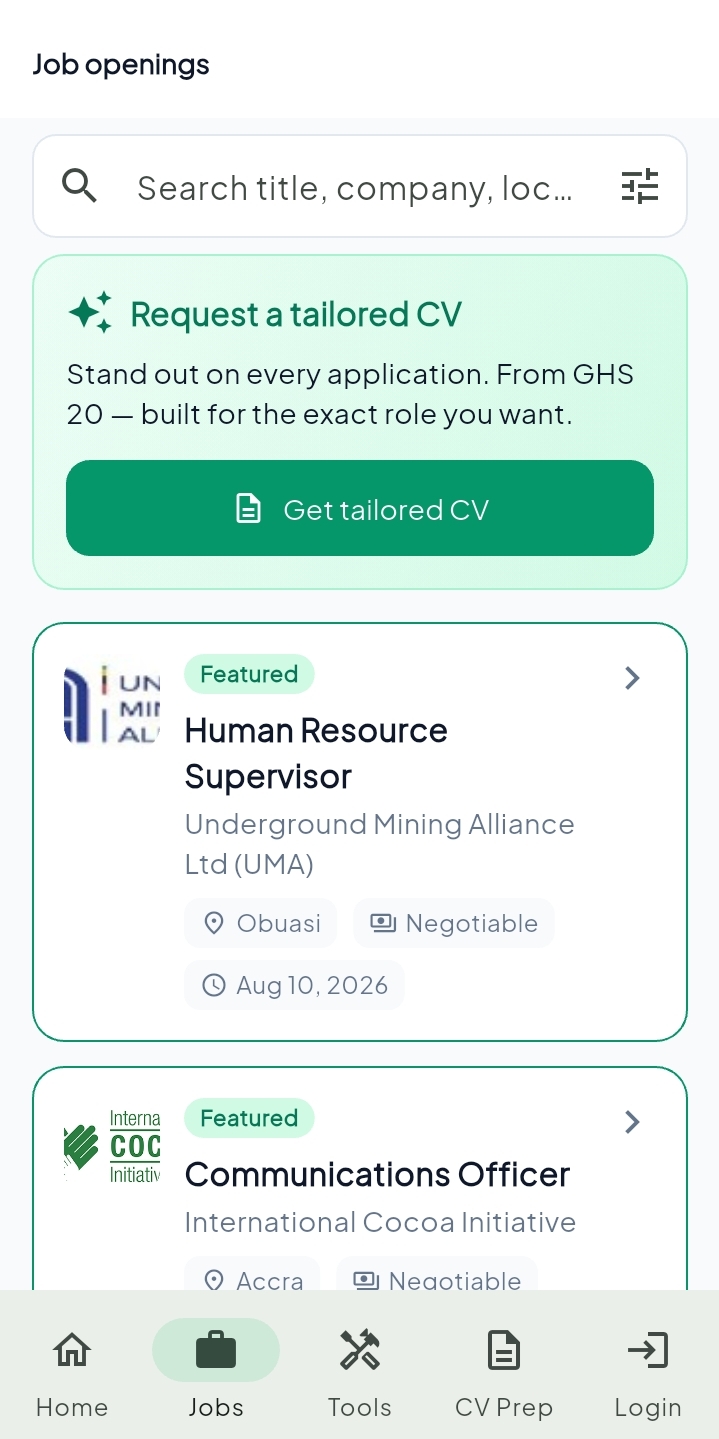
Jobs
Search live roles in Ghana
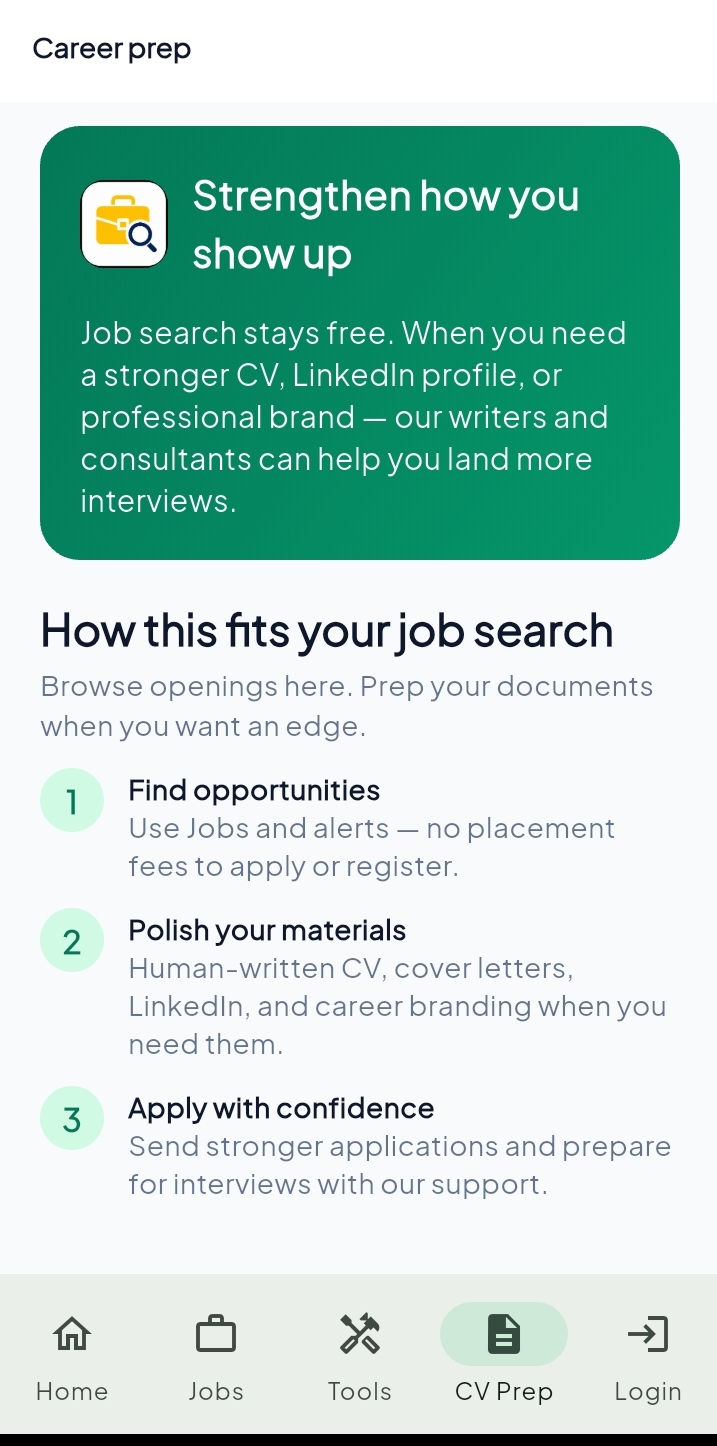
CV Prep
CV, LinkedIn & branding help
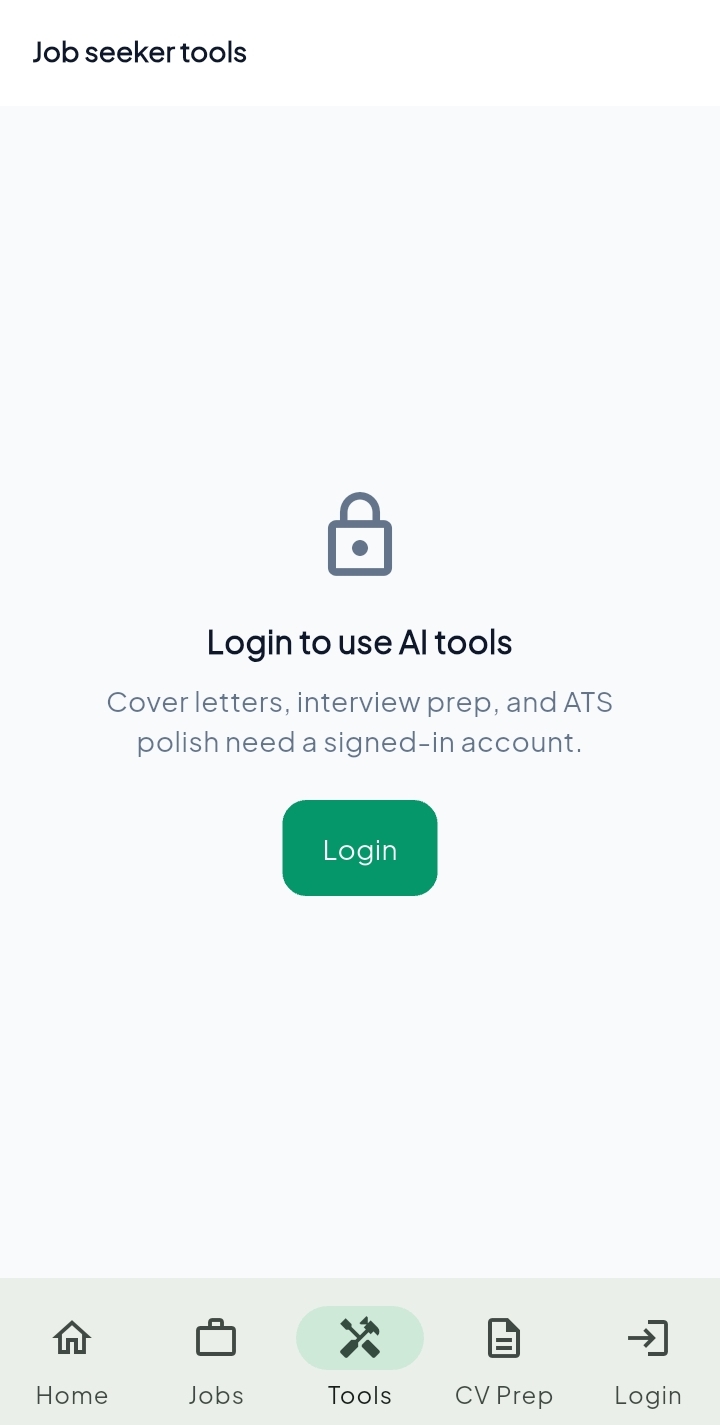
Tools
Cover letters & interview prep
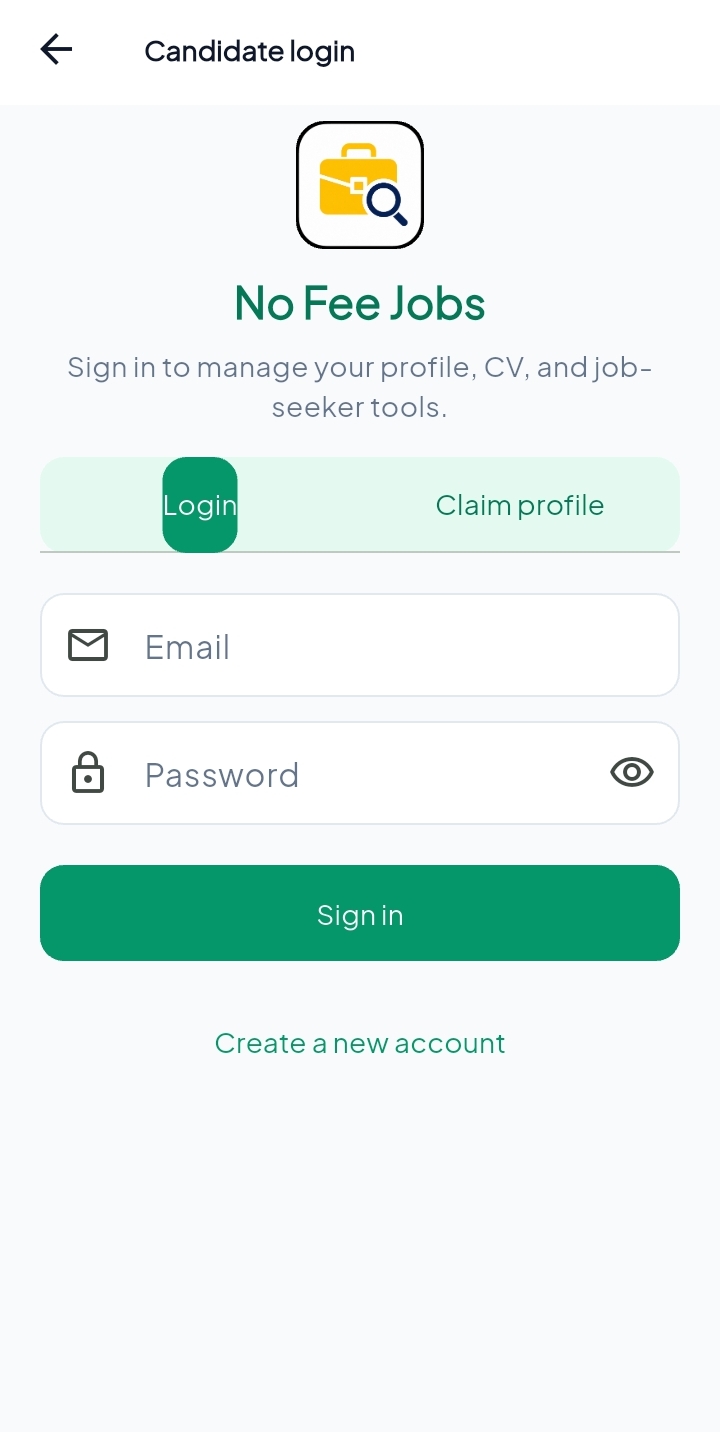
Account
Secure candidate login
Install in four steps
Android will ask you to allow Install unknown apps. That is normal for official APKs from our site.
- 1
Download the APK
Tap Download Android APK. Save nofee-jobs.apk. If Chrome warns the file may be harmful, choose Keep / Download anyway — expected outside Play Store.
- 2
Allow install from unknown apps
Open the file. When Android asks, tap Settings and turn on Allow from this source for Chrome or Files. You can switch it off after install.
- 3
Install & open
Tap Install, then Open. No Google Play account needed.
- 4
Allow notifications
Allow alerts so you are notified when new jobs are posted.
Unknown sources tip
Settings → Apps → Special access → Install unknown apps → enable for Chrome or Files. Only download from nofeejobs.com/download. After install, you can turn the permission off again.
Job alerts on your phone
Get notified when new openings go live so you can apply faster.
Built for Ghana job seekers
Jobs, tools, and CV prep in one place — zero placement fees.
Updates live here
Every new APK is posted on this page. Install over the old app to update.
Ready to install?
Download the official APK, allow unknown apps once, and start getting job alerts.
- Official file hosted on nofeejobs.com
- Allow Install unknown apps for Chrome/Files
- Enable notifications after open